
Anker Magnetic Power Bank, Built-In Foldable Stand, USB-C Port on the Side, 5,000Mah Capacity, Perfectly Compatible with Iphone 17/16/15/14/13 Series
Interstellar Gray
$33.99
Skip to product information






Anker Magnetic Power Bank, Built-In Foldable Stand, USB-C Port on the Side, 5,000Mah Capacity, Perfectly Compatible with Iphone 17/16/15/14/13 Series
$33.99
Shipping calculated at checkout.
Please make sure your address does not exceed 32 characters. We are unable to ship to PO boxes.
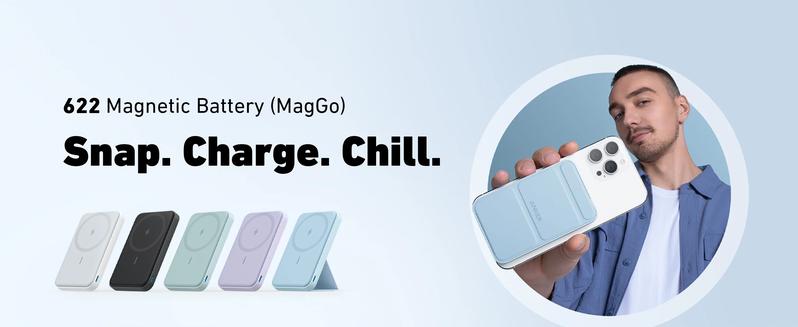
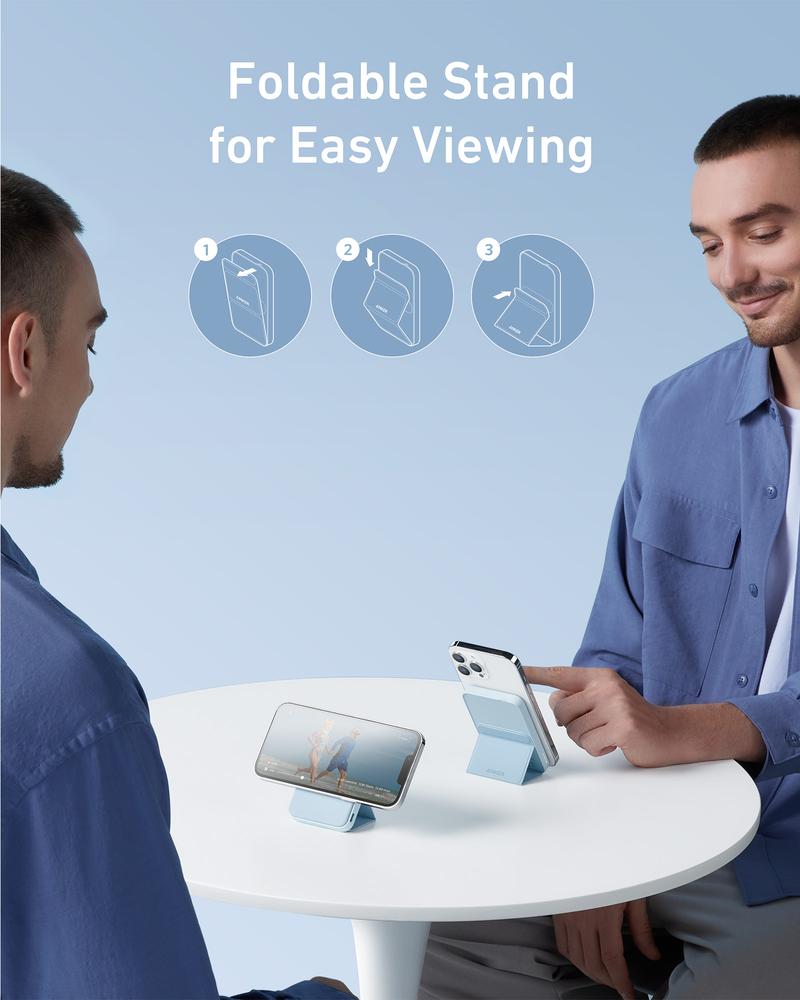
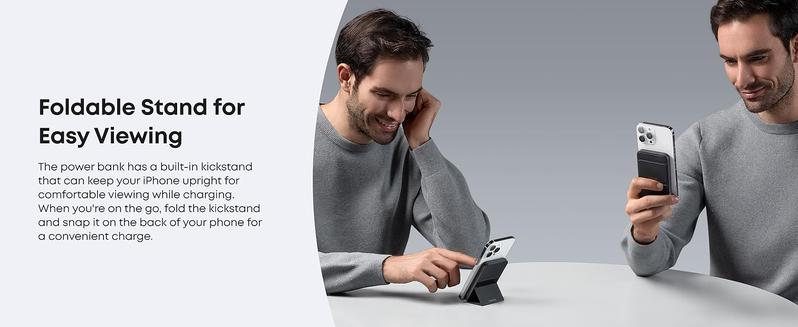
- Prop It Up: Features a versatile built-in foldable kickstand that keeps your iPhone 17/16/15/14/13/12 upright for a comfortable viewing angle.
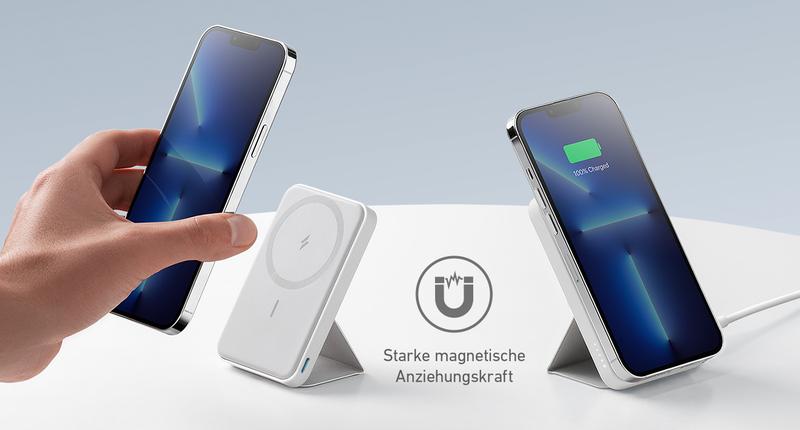
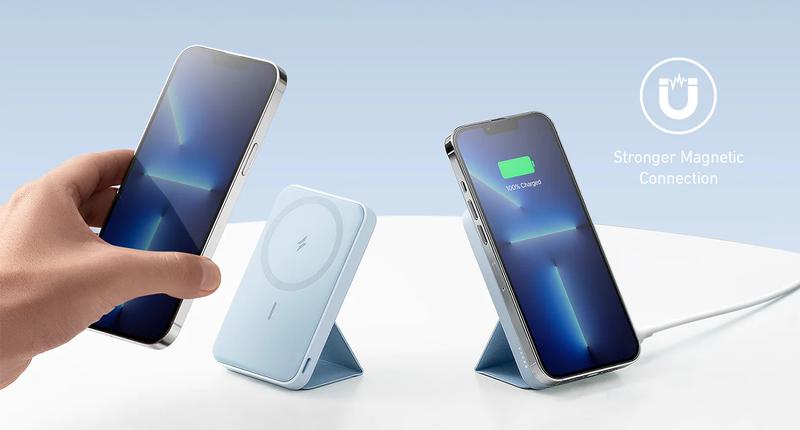
- Strong and Snappy: The super-strong magnet snaps magnetically into place to ensure perfect alignment and an efficient charge.
- Slim and Compact: The sleek and slim design is only 0.5 inches (12.8 mm) thin, so you can single-handedly take calls, selfies, and more.
- From Small to Smaller: Anker's new Mini Cell technology reduces the size of the overall battery without compromising power and charging efficiency.
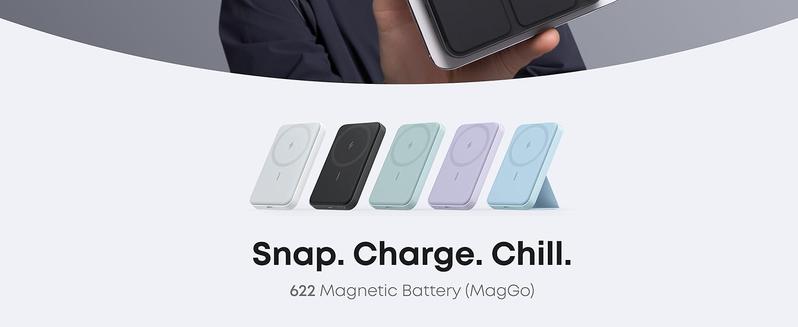
- What You Get: Anker 622 Magnetic Battery (MagGo), 23.6 inches (60 cm) USB-C to USB-C cable, welcome guide, worry-free 24-month warranty, and friendly customer service.
If your Anker 622 Magnetic Battery has stopped charging, try these basic troubleshooting steps:
- Check the Charging Cable: Ensure that the cable you're using is in good condition and properly connected to a power source. If possible, test with a different USB-C cable.
- Inspect the Power Source: Make sure the wall charger or power bank you're using to charge the Anker 622 is working. You can try plugging another device into the same power source to confirm it's delivering power.
- Clean the Connectors: Dust or debris in the USB-C port or on the magnetic surface can prevent charging. Gently clean the connectors with a soft, dry cloth.
- Reset the Power Bank: Try resetting the power bank by pressing and holding the power button for 10-15 seconds.
- Check for Overheating: If the battery or your phone feels too hot, disconnect it and let it cool down before trying again.
- Charge the Power Bank Separately: If the battery itself isn't charging, connect it to a charger for a few hours and see if the indicator light shows charging status.
Details
This product is crafted with quality materials to ensure durability and performance. Designed with your convenience in mind, it seamlessly fits into your everyday life.
Shipping & Returns
We strive to process and ship all orders in a timely manner, working diligently to ensure that your items are on their way to you as soon as possible.
We are committed to ensuring a positive shopping experience for all our customers. If for any reason you wish to return an item, we invite you to reach out to our team for assistance, and we will evaluate every return request with care and consideration.
Shop The Full Collection


